Selecting a Weinzierl KNX Modbus Gateway for RTU and TCP Projects
Weinzierl KNX Modbus gateway selection: compare TCP 716 and RTU 886.1 secure, 250 datapoints, device limits, ETS features and project use cases.
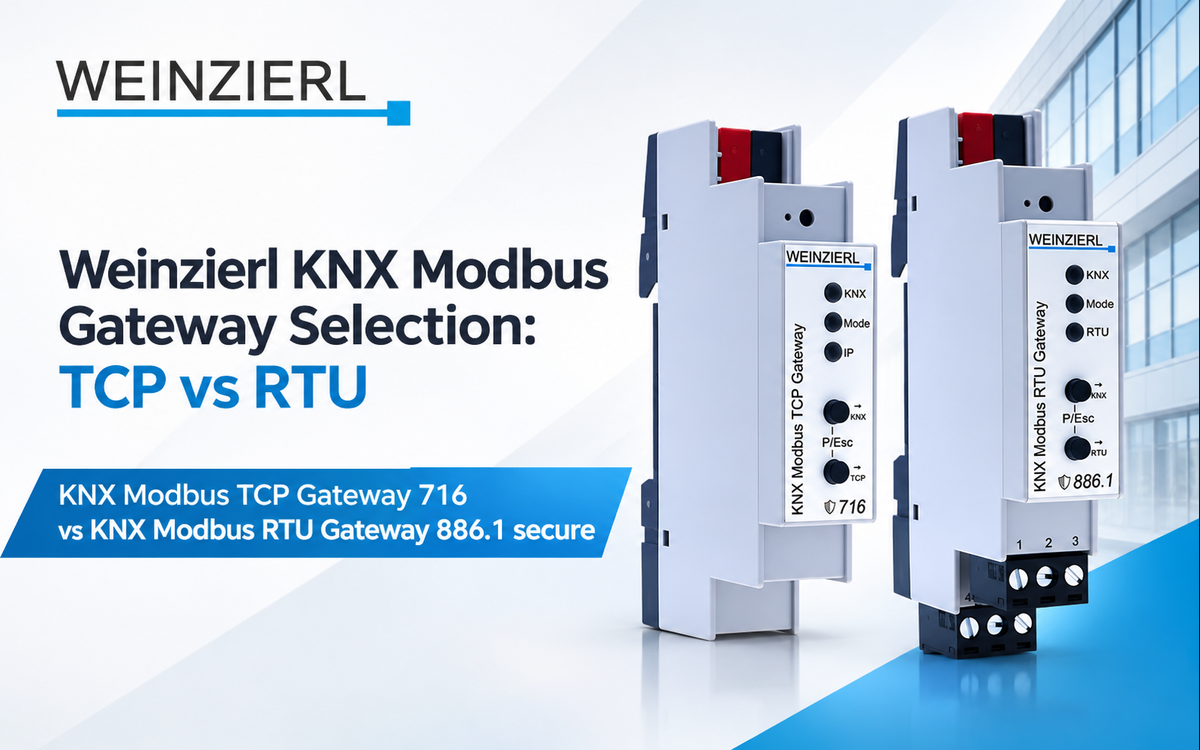
Choosing a Weinzierl KNX Modbus gateway starts with the field protocol, not the number of KNX group addresses. A Modbus TCP installation communicates over Ethernet/IP, while a Modbus RTU installation uses a serial RS-485 link. Selecting the correct interface at the design stage makes register mapping, commissioning, troubleshooting and future maintenance significantly more predictable.
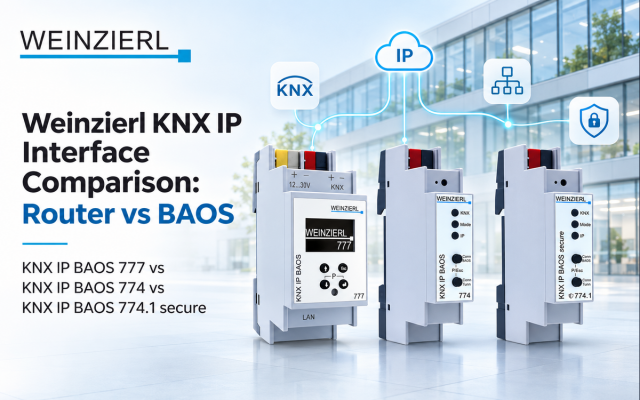
Two products address these different integration paths: WEINZIERL KNX Modbus TCP Gateway 716 and WEINZIERL KNX Modbus RTU Gateway 886.1 secure. Both connect to KNX TP and allow KNX datapoints to exchange values with Modbus registers. Their different physical connections, master-device limits and commissioning features determine where each should be used. See the manufacturer’s 716 product documentation and 886.1 secure product documentation for device-level reference.
Start with the field device: Ethernet or RS-485?
Read the controller, inverter, energy meter, chiller or plant-equipment interface schedule first. A Modbus TCP device is reached through an IP network and typically exposes a TCP server that a Modbus client queries. An RTU device communicates through a serial multidrop bus. A cable with an RJ-45 plug is not, by itself, proof of Modbus TCP support; the equipment protocol documentation determines the selection.
For Ethernet-based Modbus equipment, select the KNX Modbus TCP Gateway 716. Weinzierl’s product documentation identifies the current model as the KNX Modbus TCP Gateway 716 secure (manufacturer article number 5425). It supports Modbus TCP master and slave operation and includes an Ethernet LAN connection as well as the KNX TP bus connection. See the official installation and operation manual.
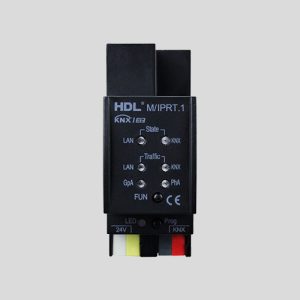
For a wired RS-485 Modbus segment, the KNX Modbus RTU Gateway 886.1 secure provides an RTU interface with pluggable serial connectors. It also operates as Modbus master or slave. Weinzierl documents galvanic isolation between its KNX and Modbus interfaces, which is particularly relevant in plant rooms and electrical installations with different equipment-grounding environments. Its official operation and installation manual shows the serial connection arrangement.
Verified comparison: Weinzierl 716 versus 886.1 secure
| Selection criterion | KNX Modbus TCP Gateway 716 secure | KNX Modbus RTU Gateway 886.1 secure |
|---|---|---|
| Modbus transport | TCP over Ethernet/IP | RTU over RS-485 |
| Manufacturer article number | 5425 | 5498 |
| Configured datapoint capacity | Up to 250 | Up to 250 |
| Role | Modbus master or slave | Modbus master or slave |
| Master-side slave devices | Up to 5 | Up to 25 |
| KNX medium | KNX TP | KNX TP |
| KNX Security | Supported | Supported |
| Power supply | From KNX bus | From KNX bus |
| DIN-rail width | 18 mm | 18 mm |
The values in this comparison come from the exact-model 716 technical page and 886.1 secure technical page. The 250-datapoint capacity describes configurable KNX/Modbus mapping points; it is not the number of individual physical Modbus devices that each gateway can address in master mode.
Understand the 250-datapoint limit
A Modbus register map often contains more entries than a KNX project needs. Focus on useful operating data: run or stop state, alarms, temperature, power, setpoints and permitted control commands. Weinzierl specifies up to 250 freely configurable datapoints for each of these two gateways. The integration design must account for the number of values to be exchanged, their data types and whether each value is read or written.
Do not equate a single process value with an arbitrary number of raw registers. Modbus data can include coils, discrete inputs, holding registers and input registers; the correct function code, register address and data representation depend on the actual equipment. A 32-bit measurement may occupy multiple 16-bit registers, while a binary status is represented differently. Build a register map that records each signal name, its Modbus address, function, data type, scaling rule, KNX datapoint type and update policy.
The 716 manufacturer documentation explains that Modbus data can be interpreted and scaled according to KNX datapoint types. The 886.1 manual describes configurable datapoint pages and the corresponding ETS parameters. An accurate mapping sheet reduces the risk of incorrect temperatures, swapped high and low words, and control values being written to the wrong destination.
Master and slave roles: determine who initiates communication
Both models support Modbus master and Modbus slave modes, according to Weinzierl. In master mode, the gateway initiates Modbus requests to the connected slave devices. This fits the common integration scenario in which the KNX installation gathers information from field meters or plant controllers. In slave mode, a separate Modbus master communicates with the gateway, allowing selected KNX values to be made available through a Modbus register interface.
For master-mode applications, the exact-product limits differ: the 716 can address up to five Modbus TCP slave devices, while the 886.1 secure can address up to twenty-five Modbus RTU slave devices. These are master-side device counts, not equivalents of the 250 configured datapoints. A project with several independent equipment controllers should be checked against both figures, as well as the type and number of process values that need mapping.
The master/slave role also determines address allocation and control ownership. A KNX command that writes a Modbus register must not conflict with another supervisory system that is simultaneously commanding the same process. Agree on the source of authority for enable signals, setpoints and overrides before ETS commissioning.
Commissioning and ETS workflow
Gateway 716: Modbus TCP plus KNX programming access
The 716 has a practical second role: Weinzierl identifies it as a KNX programming interface for connecting computers to the KNX bus. The manufacturer technical data lists KNXnet/IP tunneling, with up to eight simultaneous tunneling connections for the documented 716 secure model. This can make the device useful in a cabinet where the KNX integration engineer also needs ETS network access. The KNX programming function and the Modbus register-mapping function remain distinct tasks.
Plan the IP network as part of the commissioning package. Confirm the target equipment’s addressing, network segmentation and firewall rules; then assign a stable network configuration consistent with the building IT policy. Test register communication and ETS tunneling independently. A successful Ethernet link does not automatically demonstrate that Modbus values or KNX group objects are mapped correctly.
Gateway 886.1 secure: RS-485 and direct ETS testing
For the 886.1 secure, the manufacturer documents direct control and testing in ETS without repeated application downloads. Weinzierl also provides its DCA Modbus RTU Gateway Config Tool and example configurations. These resources are valuable when checking individual registers and serial-device responses during the initial integration.
The RTU side requires consistent serial parameters across the segment, including baud rate and the settings used by the connected devices. Check RS-485 polarity, bus topology, termination and device addressing against the equipment documentation and installation design. Weinzierl specifies galvanic separation between the KNX and Modbus interfaces for this model; the serial network must nevertheless be wired and commissioned according to its own electrical rules.
KNX Security and operating boundaries
Weinzierl states KNX Security support for the documented 716 secure and 886.1 secure models. Security planning should be part of device commissioning, with the appropriate ETS project credentials and project records managed by the integrator. This device-level capability concerns KNX security; it should not be confused with encryption of the Modbus transport itself.
In a Modbus TCP deployment, apply network-level security measures to the Ethernet segment. In an RTU deployment, control physical access to the serial wiring and connected controllers. On either interface, restrict register writes to agreed operating functions and check the behavior of the associated building systems when communications are interrupted.
Select by project application
Energy meters and plant equipment with Modbus TCP
For an IP-connected power meter, energy controller or HVAC interface that exposes Modbus TCP, the Weinzierl KNX Modbus TCP Gateway 716 is the matching transport choice. The up-to-five-slave master-mode limit should be assessed against the number of target devices. Prepare an address schedule that separates read-only energy data from writable setpoints or commands, and verify the corresponding KNX datapoint types in ETS.
RS-485 metering lines and industrial controllers
For a serial meter bank or controller chain with Modbus RTU, the Weinzierl KNX Modbus RTU Gateway 886.1 secure is the appropriate protocol match. Its documented master capability extends to twenty-five slave devices. Validate the serial-device count, the RS-485 wiring design and the total mapped datapoints independently; the capacity for one does not automatically increase the capacity for the others.
Systems with both protocols
Some building projects contain a combination of Ethernet and serial Modbus subsystems. Treat each subsystem according to its transport and operating role. Define how each measured value is published onto KNX, which device is responsible for polling, and where fault information is displayed. Keep critical interlocks in the equipment controller rather than assuming a network gateway should perform equipment safety control.
A practical KNX Modbus gateway selection checklist
- Identify the field protocol: Modbus TCP on IP or Modbus RTU on RS-485.
- Count the target devices: compare master-mode slaves against the exact gateway’s limit.
- Count mapped signals: prepare a register schedule and compare it with the 250-datapoint capability.
- Choose communication direction: specify master or slave role and read/write ownership.
- Prepare engineering data: record register offsets, types, word ordering, scaling and KNX DPT mapping from the equipment documentation.
- Plan commissioning: include Ethernet settings or RS-485 wiring, ETS configuration and functional testing.
- Review security: manage KNX Secure commissioning and protect the Modbus network or wiring.
- Test fault behavior: verify recovery, stale-value handling and the response of connected equipment.
Final recommendation
Choose the KNX Modbus TCP Gateway 716 for Modbus TCP equipment on Ethernet, especially where its documented KNX programming-interface role benefits ETS access. Choose the KNX Modbus RTU Gateway 886.1 secure for serial RS-485 installations, including projects that benefit from its higher master-mode slave-device limit and galvanic separation. Both provide 250 configurable integration datapoints, but they serve distinct Modbus transports.
For purchasing and BOM preparation, explore WEINZIERL KNX products and confirm the article number and installed firmware/application configuration against the project’s commissioning records. The exact equipment protocol, register schedule and control requirements should determine the final device choice.