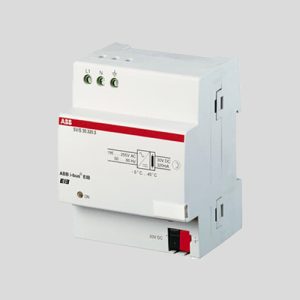
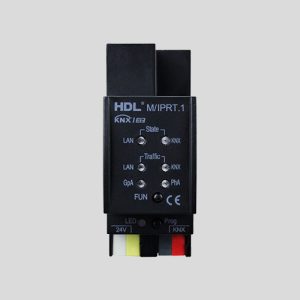
KNX IP Interface vs Router vs BAOS: Choosing a Weinzierl Device by Use Case
Compare Weinzierl KNX IP interfaces, routers and BAOS gateways by tunneling, routing, object access and secure integration for KNX projects.
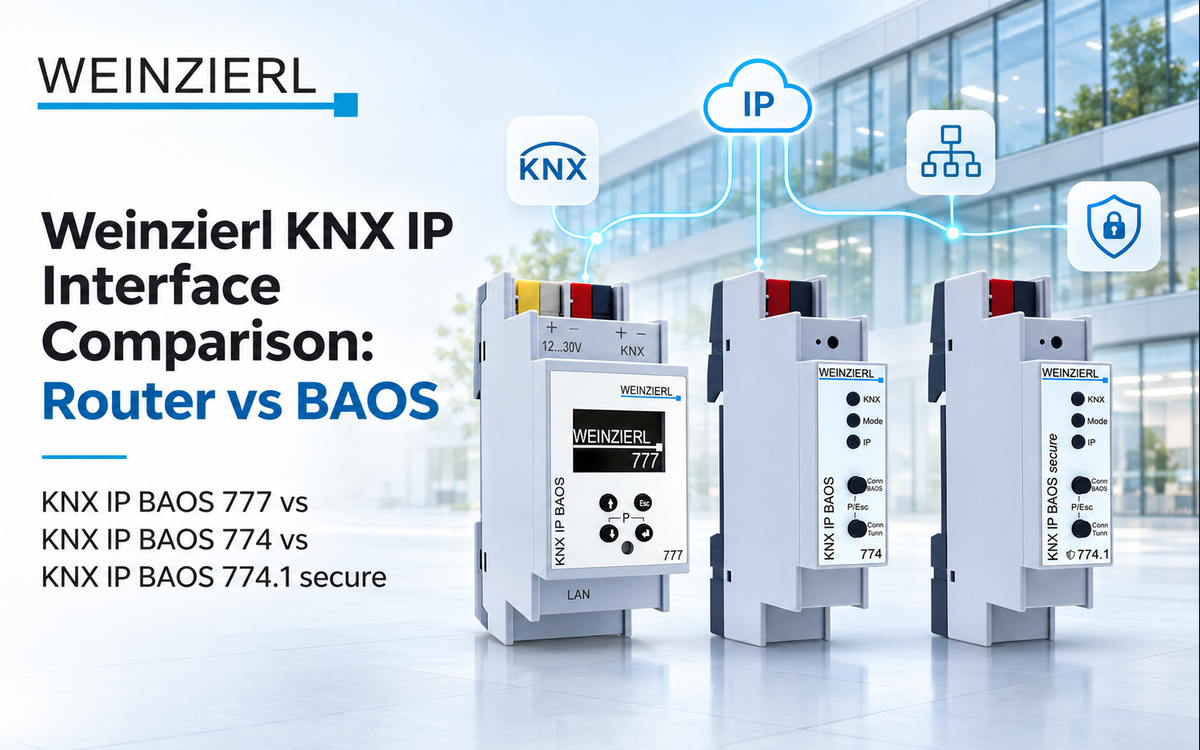
Selecting a KNX-to-IP device starts with the task on the network: connecting an ETS workstation, transporting KNX telegrams between lines, or exposing KNX data points to an external application. These are different services. A standard IP interface provides KNXnet/IP tunneling; a KNX IP router also transfers telegrams over an IP backbone; and a BAOS gateway adds object-oriented application access. The distinction is documented in Weinzierl’s KNX via IP comparison, page 11.
A good selection process therefore begins with the project topology and software integration requirements rather than the number of Ethernet ports or a broad gateway label. The eight Weinzierl products below cover commissioning interfaces, line routing, object-server gateways, and browser-based visualization.
First decide: tunneling, routing, or BAOS object access
KNXnet/IP tunneling for ETS commissioning
Tunneling connects a client such as ETS to a KNX TP line through Ethernet. It is used for parameter downloads, diagnostics, and bus monitoring. A tunnel is a client connection; the number of supported connections matters when multiple engineers, commissioning laptops, or software services need access at once. Both KNX IP Interface 731 and KNX IP Interface 732 secure serve this role. The first supports five simultaneous tunneling connections, while the secure model supports eight; see the 731 technical data and 732 secure technical data.
The secure interface is designed for encrypted client-to-interface KNX IP communication. Use the device security settings and ETS credentials consistently, and protect the wider LAN with sound network segmentation. Weinzierl’s KNX over IP engineering guide, page 4 also describes VPN as a complementary approach for remote access.
KNXnet/IP routing for line and backbone communication
Routing is a network-topology function rather than a larger tunneling allowance. It carries KNX telegrams between TP lines over an IP backbone, subject to the project addressing and filtering design. The KNX IP Router 751 and KNX IP Router 752 secure provide both routing and tunneling. The 751 offers five tunneling connections; the 752 secure offers eight and supports KNX IP Security. Review the Router 751 specification and Router 752 secure specification when defining a multi-line installation.
Plan the IP backbone as a shared communication infrastructure. Document the relevant line addresses, filtering policies, multicast-capable network design, and commissioning access. These tasks belong to system architecture and should be completed before panel equipment is ordered.
BAOS for software, controls, and third-party applications
BAOS stands for Bus Access and Object Server. Instead of working only with raw telegrams, an application can interact with configured KNX communication objects. The KNX IP BAOS 773 supports up to 250 communication objects, while the KNX IP BAOS 774 supports up to 1,000. Both support KNXnet/IP tunneling, BAOS Binary access, and JSON web services. Weinzierl documents these functions on the 773 product page and 774 product page.
The KNX IP BAOS 774.1 secure extends object-based integration with BAOS Security and a 1,000-object configuration. Its model-specific technical data lists eight simultaneous KNXnet/IP tunneling connections and secured BAOS Binary protocol access. Define the integration client, data-point types, object assignment, and authentication arrangement during application design.
Eight Weinzierl devices compared by confirmed function
| Model | KNXnet/IP | Concurrent tunnels | Primary project role |
|---|---|---|---|
| KNX IP Interface 731 | Tunneling | 5 | ETS and LAN bus access |
| KNX IP Interface 732 secure | Tunneling | 8 | Secure ETS and LAN bus access |
| KNX IP Router 751 | Routing and tunneling | 5 | TP line interconnection over IP |
| KNX IP Router 752 secure | Routing and tunneling | 8 | Secure IP backbone routing |
| KNX IP BAOS 773 | Tunneling | 5 | Object access, up to 250 objects |
| KNX IP BAOS 774 | Tunneling | 5 | Object access, up to 1,000 objects |
| KNX IP BAOS 774.1 secure | Tunneling | 8 | Secure BAOS object access, 1,000 objects |
| KNX IP BAOS 777 | Tunneling | 8 | Object access and web visualization |
The routing and tunneling columns are cross-checked against Weinzierl’s official KNX via IP device matrix. Model-level tunneling limits and BAOS object capacities come from the respective official product pages. A connection count should never be interpreted as a count of independent KNX TP lines.
Selection by commissioning and integration scenario
A single KNX line with an ETS engineering workstation
A direct KNX IP interface is a focused solution for programming and diagnostic access. The 731 provides five tunnels and KNX bus power in a compact 18 mm DIN-rail housing. The 732 secure provides eight tunnels, encrypted KNX IP tunneling and the same 18 mm width. The correct choice follows your commissioning access and security policy rather than a difference in the TP devices connected to the line.
A building with multiple KNX TP lines
When KNX TP lines are interconnected through a LAN backbone, choose routing-capable equipment. The 751 and 752 secure are purpose-built for that topology. Route selection should follow the KNX line/area structure, and ETS topology must match the physical installation. The secure router supports the additional task of protecting IP-backbone communications, as explained in Weinzierl’s router documentation.
An automation application reading and writing KNX values
A BAOS gateway is appropriate when the software application expects typed data points rather than a low-level telegram stream. For integrations with smaller object lists, BAOS 773 offers 250 communication objects. BAOS 774 provides 1,000. The BAOS 774.1 secure also provides 1,000 objects and manufacturer-documented secured BAOS access. Build the object map from actual group-address assignments, required feedback values, write permissions, and the supported client protocol.
Local visualization without a separate browser dashboard server
The KNX IP BAOS 777 combines a KNXnet/IP programming interface with a local web visualization, timer functions, e-mail functions, and time synchronization. Its browser-based interface is configured through ETS and a web front end, and Weinzierl lists eight concurrent tunneling connections. The device supports up to 2,000 communication objects with its generic ETS database. It is powered through an external 12–30 V DC supply or Power over Ethernet, rather than relying on KNX TP bus power. These details appear in the BAOS 777 product documentation.
That built-in visualization may reduce the need for a separate visualization application in a modest building installation. Engineering should still define page structure, group object naming, user permissions, scheduling responsibilities, and handover procedures.
A practical selection workflow for KNX integrators
- Draw the topology. Mark KNX TP lines, IP switches, ETS workstations, third-party applications, and any remote maintenance path.
- Identify the required network function. Use tunneling for client access, routing to interconnect TP lines via Ethernet, and BAOS when application software needs direct object-server services.
- Count client sessions. Consider ETS engineers, supervisory clients, and commissioned services when selecting a model with five or eight tunnels.
- Define the application object map. For BAOS integrations, count required communication objects and specify DPT mapping, write permissions, and status feedback.
- Specify the security boundary. Choose a secure access strategy for IP interfaces and routers, and set authentication and network access rules for third-party integrations.
- Coordinate panel and power design. Reserve DIN space and check whether the exact model uses KNX bus power, an auxiliary DC supply, or PoE.
- Commission with measured behavior. Test ETS tunneling, IP backbone telegram forwarding where used, and application read/write feedback across all intended network segments.
Avoid confusing an IP interface with an IP backbone router
A tunnel can let ETS reach devices across a LAN, but it is not equivalent to filtering and forwarding telegrams between separate KNX TP lines. Conversely, a routing-capable device can serve as a tunneling interface as well. This is why selecting the cheapest product labeled “IP gateway” before drawing the topology can create a mismatch between the installed hardware and intended system behavior.
In projects with higher integration complexity, define whether the external software needs values, control feedback, KNX security functions, or simple programming access. Those requirements are more decisive than the presence of an RJ45 socket. Weinzierl’s technical overview of tunneling, routing and BAOS is a useful common reference for the engineering and software teams.
Choosing the right Weinzierl device for your project
For a compact commissioning interface, start with the 731 or 732 secure. For IP-based line interconnection, compare the 751 and 752 secure. For integrating external software with KNX objects, look at BAOS 773, 774, and 774.1 secure; for local browser visualization and scheduling, consider BAOS 777. The best purchase decision is the one that matches the topology, actual communication services, object map, and intended commissioning process.
Explore KNX IP interfaces and routers or browse Weinzierl products at KNXbazzar to build a device shortlist around your next KNX project.